
To make an ACCESS HRA Account online, follow these easy steps:
1. Visit the ACCESS HRA website by going to: http://a069-access.nyc.gov/
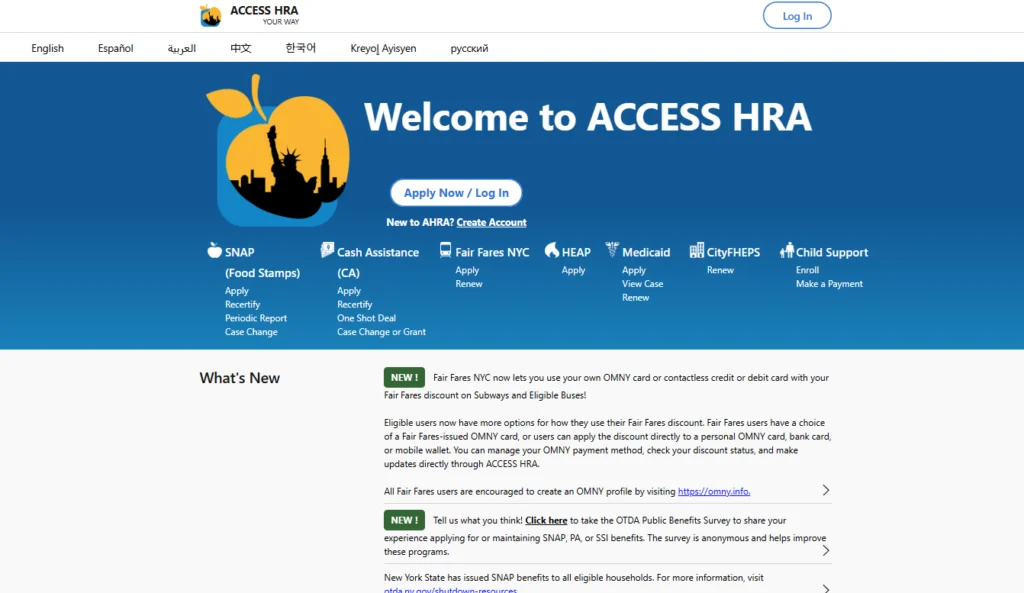
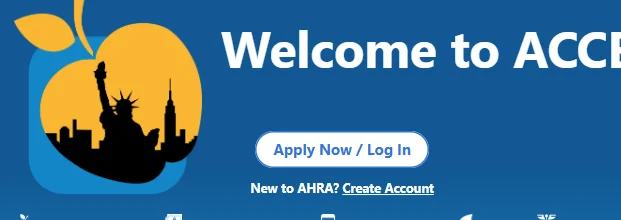
2. Click on “Create New Account” under the “Apply Now” button
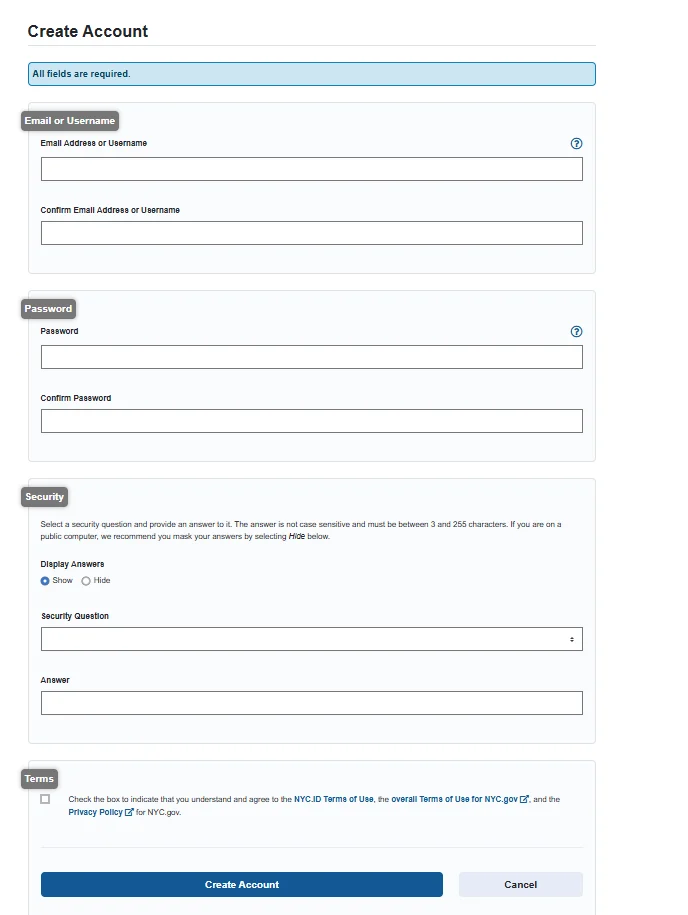
3. Fill out all the fields, click the checkbox to accept the website terms, and click on “Create Account”
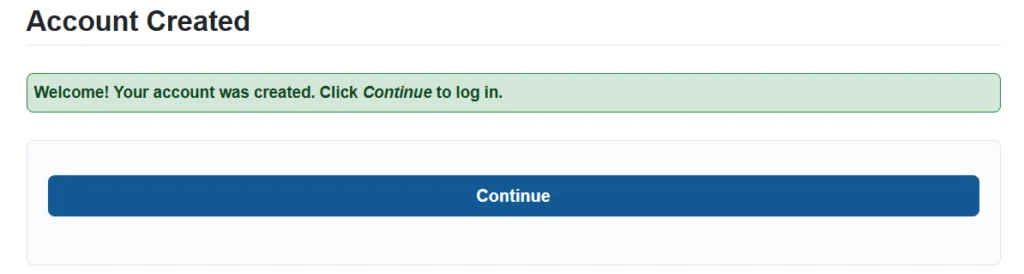
4. Click on “Continue” to log in and start the application process.
Additional Resources
Share with your network!
SNAP Call Center
Phone: (212) 894-8060 | Monday – Friday: 9 AM – 4:30 PM | Languages: English and Spanish | Email: snap@foodbanknyc.org